Why Does My Flatbed Die-Cutting Machine Tear Label Edges?

Time:2026-07-03 Author:Liam
0%

Understanding the perplexing question, "why is my flatbed die-cutting machine tearing the label edges," requires industry insight. Jake Thompson, a seasoned die-cutting specialist, states, "Edge tearing can arise from multiple factors in the cutting process." This statement underscores the complexity of this issue and the need for careful analysis.

Flatbed die-cutting machines are used widely in label production. However, when these machines tear edges, it creates a significant headache. The interplay of pressure, materials, and blade sharpness plays a crucial role in the quality of the cut. If the pressure is too high or the blade is dull, issues such as tearing can occur.

Moreover, the materials used can contribute to these challenges. Thinner labels or those made from certain materials may not withstand standard cutting pressures. It is essential to monitor these variables attentively. Even with the right settings, things can still go wrong, leading to frustrating outcomes. Addressing these factors is key to improving overall performance and avoiding waste in production. Engaging with experts can lead to better solutions.
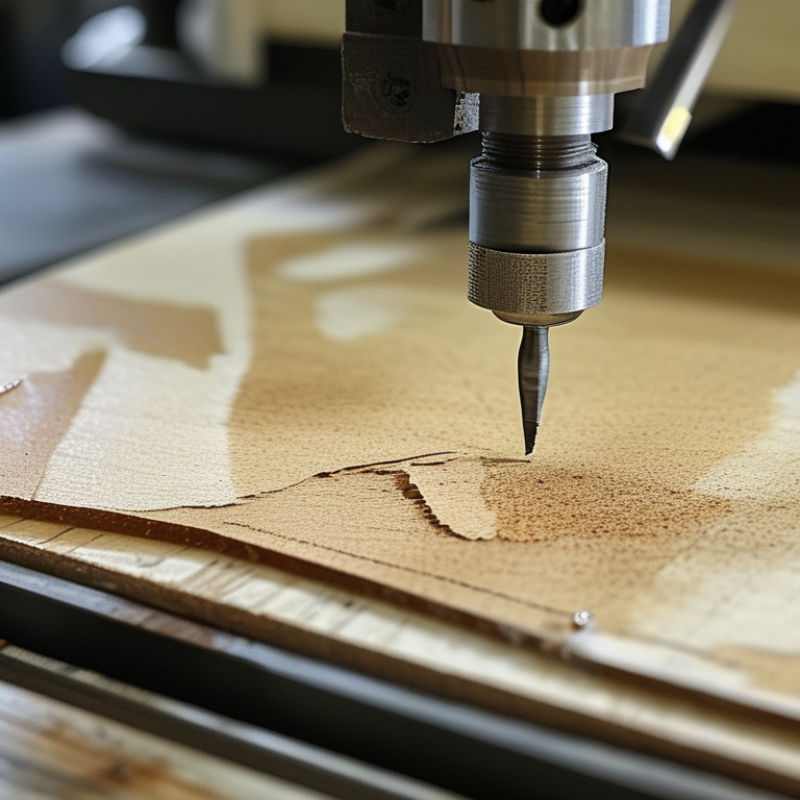
Why Does My Flatbed Die-Cutting Machine Tear Label Edges?

Understanding Flatbed Die-Cutting Machines and Their Functionality

When working with flatbed die-cutting machines, many operators experience issues like torn label edges. Understanding the functionality of these machines can help diagnose the problems. Flatbed die-cutting machines use a flat surface to press a die onto material, cutting it into desired shapes. The pressure and speed settings are crucial in maintaining edge integrity. According to industry reports, improper settings can lead to a 15% increase in defective cuts.

Tip: Regularly inspect your dies and cutting mats. Wear and tear can affect performance, leading to jagged edges. Inconsistent pressure can exacerbate this issue, causing material to tear.

Another common factor is material selection. Thicker or coarser materials may require specific adjustments to avoid damage during the cutting process. Studies indicate that using the wrong material can lead to a failure rate of up to 25%. Being meticulous about chosen substrates is essential.

Tip: Test cut new materials before ordering large quantities. This helps ensure that your machine settings are optimal for specific materials. Keeping a log of settings can also provide insights when troubleshooting.

Common Causes of Label Edge Tearing in Die-Cutting Processes

Label edge tearing is a common frustration in the die-cutting process. Several factors could lead to this issue. The type of material is often pivotal. Some substrates are more prone to tearing during cutting. For instance, thinner paper may easily rip if the pressure is too high. This creates a frustrating experience and affects production efficiency.

Blade quality is another critical factor. Dull or damaged blades can cause uneven cuts, leading to jagged edges. Regularly inspecting and maintaining cutting blades is essential. Keep an eye on wear patterns. If they show signs of dullness, replacing them promptly can prevent further issues.

Here are some tips to prevent edge tearing. First, adjust the cutting pressure. Lowering the pressure can significantly reduce the likelihood of tearing. Second, test new materials. Before full production runs, conduct small tests to gauge how the material will react to your cutting settings. Lastly, observe the entire die-cutting setup for any misalignments. Even minor adjustments can lead to improved results and fewer edge issues.

How Blade Condition Affects Cutting Quality and Label Integrity

When operating a flatbed die-cutting machine, maintaining blade condition is crucial for quality output. A dull or damaged blade can lead to tearing at the edges of labels. This tearing not only affects the aesthetics but also compromises the integrity of the labels. Freshly sharpened blades create clean cuts, preserving both form and function.

Tips for blade maintenance can significantly enhance your cutting performance. Regularly inspect blades for nicks and wear. A quick visual check can save time and materials. It's advisable to have sharpening tools on hand. Frequent blade changes can prevent extensive damage. A well-maintained blade can improve accuracy and reduce waste.

Poor blade maintenance often leads to frustration. Some operators underestimate the cumulative effect of minor blade damage. Ignoring these issues might seem insignificant but can result in larger production problems down the line. Investing time in blade care pays off with consistent quality in every batch.

Preventive Measures to Avoid Edge Damage on Labels

Edge damage on labels during die-cutting can be a frustrating issue. Several factors contribute to this problem, often related to machine settings and material compatibility. According to industry reports, nearly 15% of production errors stem from improper die alignment and material selection. Ensuring the die is properly calibrated can significantly reduce edge tearing.


Selecting the right type of label material is crucial. For instance, substrate thickness and adhesive type impact the cutting process. A study by the Flexographic Technical Association indicated that using the wrong substrate can increase edge damage by 20%.


Regular maintenance of the die-cutting machine is equally important. Worn blades can lead to inadequate cuts, resulting in frayed edges. Monitoring the cutting speed and pressure settings on your machine is vital. Too much pressure can crush the edges of the labels. Conversely, too little pressure can lead to incomplete cuts. Keeping accurate records of machine settings and adjustments can provide valuable insights into patterns of edge damage. These steps require commitment and ongoing evaluation for improvement.

Troubleshooting Tips for Your Flatbed Die-Cutting Machine Issues

Flatbed die-cutting machines are essential in the packaging industry, but they can sometimes cause label edge issues. A common reason for torn labels is improper cutting pressure. When the pressure is too high, it can crush the edges, leading to tears. According to a report by the Packaging Machinery Manufacturers Institute, 30% of label defects stem from incorrect pressure settings. Regularly checking these settings can minimize damage.

Another factor to consider is the cutting speed. A machine that runs too fast may not give the die enough time to cut cleanly. The result? Jagged edges and waste. Industry experts recommend maintaining a balance between speed and precision. If the speed exceeds the optimal threshold, the risk of tearing increases significantly. Monitoring your machine's performance can help identify speed-related issues early.

Finally, the condition of the cutting dies plays a critical role. Worn or damaged dies can lead to subpar cuts and frayed edges. According to a 2022 study, 40% of die-related issues were traced back to inadequate maintenance. Regular inspections and timely replacements are vital. Addressing these areas will significantly improve the quality of your die-cut labels.

FAQS

: What causes label edge tearing during die-cutting?

: Label edge tearing often results from material type and cutting pressure. Thinner substrates tend to rip easily under high pressure.

How does blade quality affect die-cutting?

Dull or damaged blades lead to uneven cuts and jagged edges. Regular blade inspections are necessary to prevent this issue.

What can be done to prevent edge tearing?

Adjusting cutting pressure is essential. Lowering it reduces the risk of tearing significantly.

Should new materials be tested before production?

Yes, conducting small tests on new materials is crucial. This helps gauge their reaction to existing cutting settings.

How important is die alignment in reducing edge damage?

Proper die alignment is critical. Improper alignment can lead to a significant increase in edge tearing during the cutting process.

What should be monitored during the die-cutting process?

Monitor cutting speed and pressure settings closely. Too much pressure crushes edges, while too little leads to incomplete cuts.

How can I maintain my die-cutting machine?

Regular maintenance is essential. Check blades for wear and keep the machine calibrated to avoid edge damage.

Can machine settings affect edge quality?

Yes, maintaining accurate records of machine settings helps identify patterns that lead to edge damage.

Is too much cutting pressure a concern?

Absolutely. Excessive pressure can significantly damage label edges, leading to production issues that affect efficiency.

What do minor adjustments in the setup achieve?

Even small tweaks can improve results. Regularly observe your die-cutting setup for any possible misalignments.

Conclusion

The article "Why Does My Flatbed Die-Cutting Machine Tear Label Edges?" delves into the common issues that can arise during the die-cutting process, particularly focusing on label edge tearing. It begins by explaining the functionality of flatbed die-cutting machines and outlines the typical causes behind label edge damage, such as improper blade condition and alignment problems. The condition of the blades is emphasized as a crucial factor affecting not only cutting quality but also the integrity of the labels produced.

To address the question, "why is my flatbed die-cutting machine tearing the label edges", the article provides preventive measures and troubleshooting tips that operators can implement to minimize edge damage. These include regular maintenance of the cutting blades, ensuring proper machine settings, and inspecting materials for consistency. By following these guidelines, users can enhance the performance of their flatbed die-cutting machines and reduce instances of label tearing.

Liam

Liam

Liam is a dedicated marketing professional with a profound expertise in the industry, where he excels at highlighting the unique advantages of our core products. With a keen understanding of market trends and consumer needs, Liam frequently updates our company’s professional blog, providing......